> ## Documentation Index
> Fetch the complete documentation index at: https://base-a060aa97-eb-mini-app-ia-overhaul.mintlify.site/llms.txt
> Use this file to discover all available pages before exploring further.
# Embeds & Previews
> Turn every user action into organic growth with shareable, metadata-powered embeds that drive engagement and discovery.
> **What you'll learn**\
> By the end of this guide, you'll be able to:
>
> * Understand how embeds and metadata work together to create rich social previews
> * Choose between static and dynamic embeds for different use cases
> * Debug and optimize embeds for maximum performance and engagement
## Why Sharing Matters
Sharing is one of the fastest and most cost-effective ways to grow your Mini App user base.
When a user shares your app into a feed (such as Base App or Farcaster), the platform generates a **rich embed** — a visual preview complete with your branding, imagery, and call-to-action button that appears directly in social feeds.
Every share:
* **Increases reach** — friends and followers see your app instantly
* **Drives engagement** — visually compelling embeds get more clicks than plain links
* **Improves ranking** — shared apps are more likely to appear in "Trending" and category leaderboards
* **Creates viral loops** — great experiences encourage users to share with their networks
## Metadata and Embeds
### How Metadata Creates Embeds
When someone shares your Mini App link, platforms like Base App don't just show a plain URL. Instead, they fetch **metadata** from your page and use it to generate a rich **embed** — a visual preview card with your image, title, and call-to-action button.
The metadata acts as instructions that tell the platform exactly how to display your Mini App in feeds.
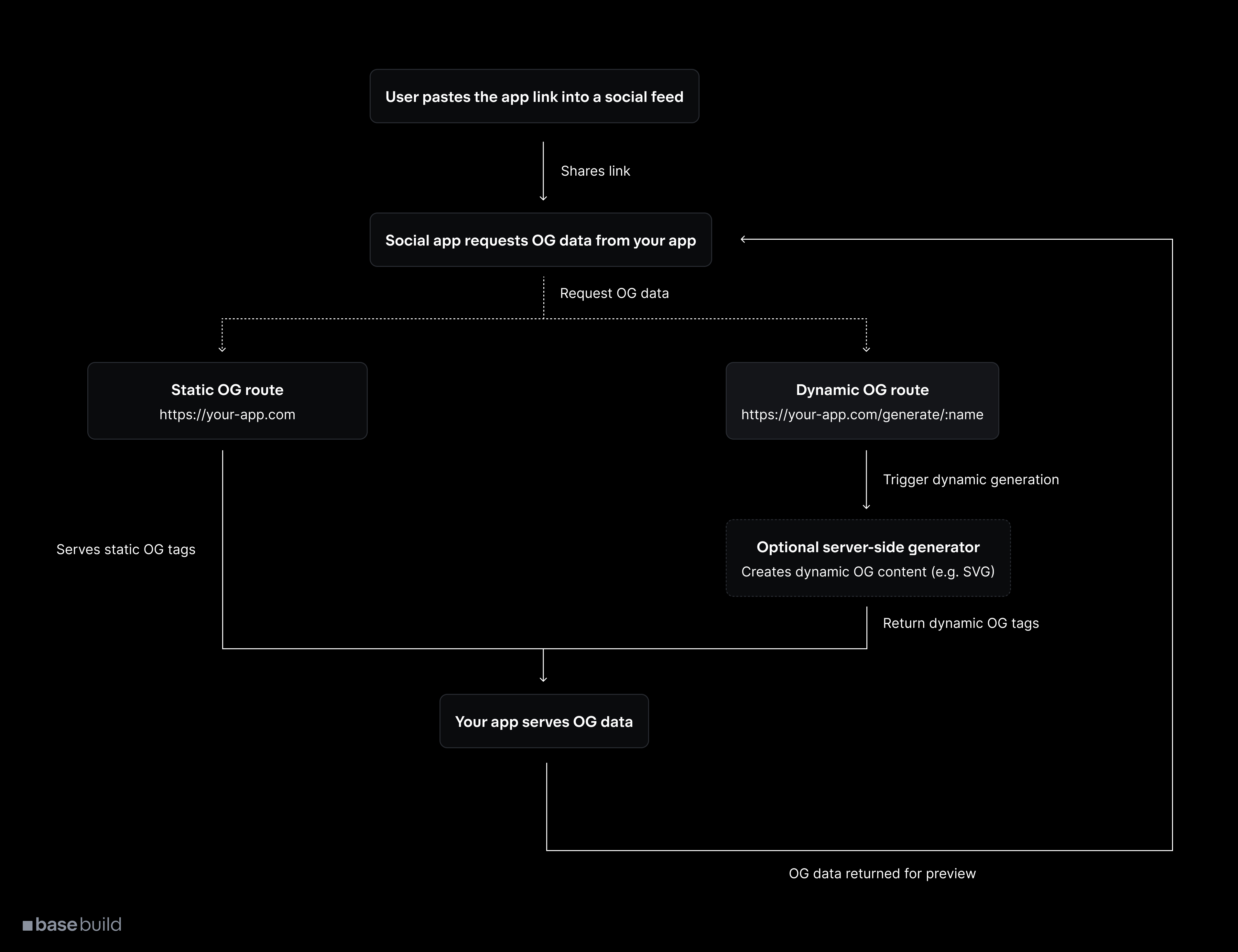
**The complete metadata-to-embed process:**
User clicks share or pastes your Mini App URL into a social feed (Base App, Farcaster).
The platform makes a request to your URL and reads the `` tags in your HTML to understand how to display your app.
Platform transforms your metadata into a rich visual embed with image, title, description, and interactive button.
Your Mini App appears as an attractive, clickable card that users can launch directly from their feed.
### Metadata Structure
Your metadata consists of specific HTML meta tags that define each part of the embed:
```html
```
Each piece of metadata directly corresponds to a visual element in the embed:
* `imageUrl` → The main visual that appears in the embed
* `button.title` → Text on the call-to-action button
* `action.name` → App name displayed in the embed
* `action.url` → Where users go when they click the embed
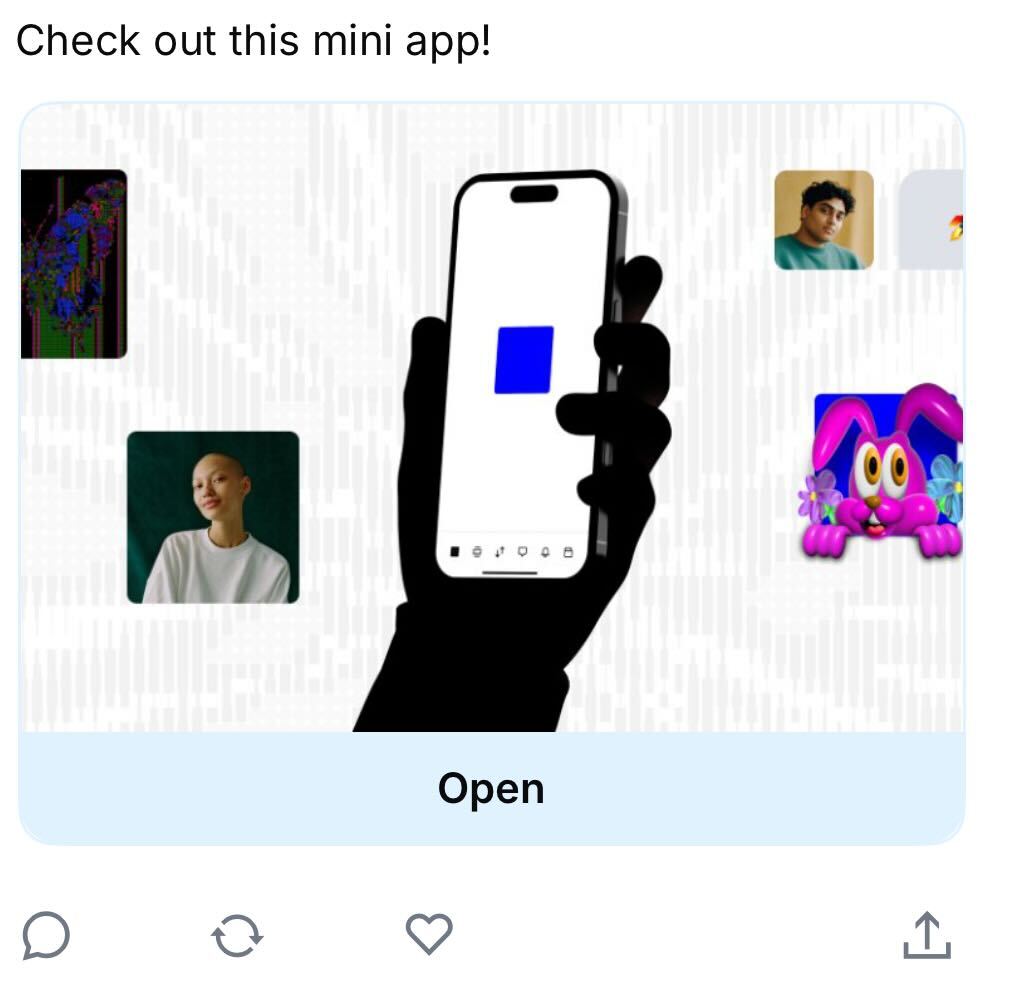
### Embed Appearance in Feeds
### Manifest vs Embed Metadata
Your Mini App uses two types of metadata:
#### Manifest file
Purpose: App registration and discovery
Located at `/.well-known/farcaster.json`, this file contains your app's basic information for Base App's directory.
Mini Apps require a complete manifest. Read the [manifest requirements](/mini-apps/features/manifest#example-manifest).
#### Embed metadata
Purpose: Embed generation when shared
Located in your HTML `` tags, this metadata creates the rich embeds when users share your app.
```html
```
This controls how your embeds appear in social feeds.
### Best Practices for Metadata
* Image optimization: Use 3:2 aspect ratio
* Clear value proposition in button and text
* Visual consistency with product UI
* Fast loading for metadata endpoints
* Validate across platforms pre‑launch
## Sharing
### Adding Share Functionality
Prompt users to share during key accomplishment moments using MiniKit’s compose hook.
```ts
import { useComposeCast } from '@coinbase/onchainkit/minikit';
export default function ComposeCastButton() {
const { composeCast } = useComposeCast();
const handleCompose = () => {
composeCast({
text: 'Just minted an awesome NFT using @coinbase OnchainKit! ',
});
};
const handleComposeWithEmbed = () => {
composeCast({
text: 'Check out this amazing Mini App!',
embeds: ['https://your-mini-app-url.com'],
});
};
return (
);
}
```
Strategic sharing moments:
* After completing a quiz
* After minting an NFT
* After beating a challenge
* After reaching a milestone
### From the Base App UI
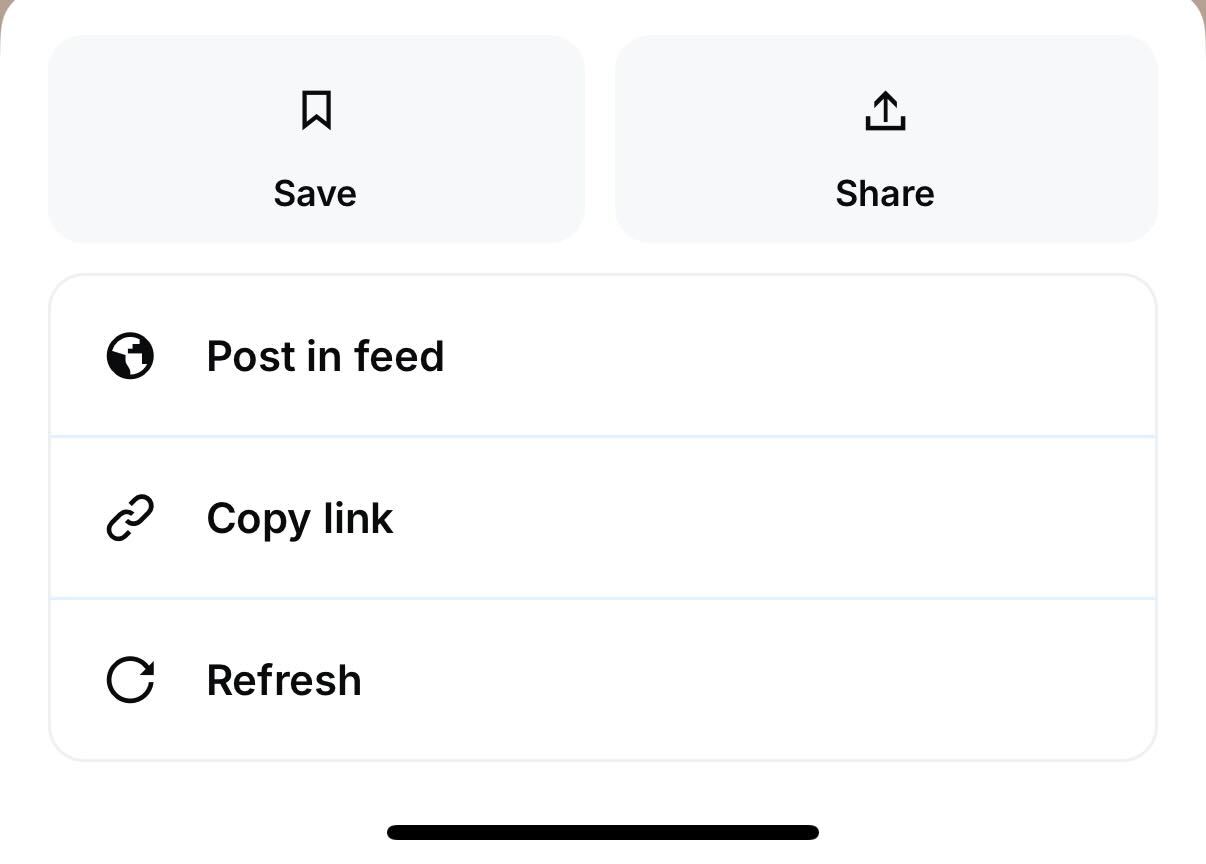
Users can also share directly from your app's detail view in the Base app through the built‑in share functionality.
## Embed Types
### Static embeds
Use a single, unchanging image and text for all shares. Best for consistency and speed.
### Dynamic embeds
Generate metadata per user or event for personalization and FOMO. Ensure fast response (\< 5s) and caching strategy.
## Implementation
### With MiniKit (Next.js)
```ts layout.tsx
export async function generateMetadata(): Promise {
const URL = process.env.NEXT_PUBLIC_URL;
return {
title: process.env.NEXT_PUBLIC_ONCHAINKIT_PROJECT_NAME,
description: "Your Mini App description here",
other: {
"fc:frame": JSON.stringify({
version: "next",
imageUrl: process.env.NEXT_PUBLIC_APP_HERO_IMAGE,
button: {
title: `Launch ${process.env.NEXT_PUBLIC_ONCHAINKIT_PROJECT_NAME}`,
action: {
type: "launch_frame",
name: process.env.NEXT_PUBLIC_ONCHAINKIT_PROJECT_NAME,
url: URL,
splashImageUrl: process.env.NEXT_PUBLIC_SPLASH_IMAGE,
splashBackgroundColor: process.env.NEXT_PUBLIC_SPLASH_BACKGROUND_COLOR,
},
},
}),
},
};
}
```
### Without MiniKit
```html
```
## Debugging
### Tools
Test your metadata and preview embeds
### Common issues
Check image dimensions, required `fc:frame`, JSON validity, and URL accessibility.
Review cache headers, repost to refresh, wait \~10–15 minutes for caches.
Optimize image generation, pre‑generate, use serverless, compress assets.
Set `Cache-Control` carefully: long enough for performance (300–600s), short enough for quick updates.
## Next Steps
Continue with:
* [Search and Discovery](/mini-apps/features/search-and-discovery)
* [Manifest](/mini-apps/features/manifest)
 **The complete metadata-to-embed process:**
 ### Manifest vs Embed Metadata
Your Mini App uses two types of metadata:
#### Manifest file
Purpose: App registration and discovery
Located at `/.well-known/farcaster.json`, this file contains your app's basic information for Base App's directory.
### Manifest vs Embed Metadata
Your Mini App uses two types of metadata:
#### Manifest file
Purpose: App registration and discovery
Located at `/.well-known/farcaster.json`, this file contains your app's basic information for Base App's directory.
 ## Embed Types
### Static embeds
Use a single, unchanging image and text for all shares. Best for consistency and speed.
### Dynamic embeds
Generate metadata per user or event for personalization and FOMO. Ensure fast response (\< 5s) and caching strategy.
## Implementation
### With MiniKit (Next.js)
```ts layout.tsx
export async function generateMetadata(): Promise
## Embed Types
### Static embeds
Use a single, unchanging image and text for all shares. Best for consistency and speed.
### Dynamic embeds
Generate metadata per user or event for personalization and FOMO. Ensure fast response (\< 5s) and caching strategy.
## Implementation
### With MiniKit (Next.js)
```ts layout.tsx
export async function generateMetadata(): Promise