> ## Documentation Index
> Fetch the complete documentation index at: https://base-a060aa97-eb-mini-app-ia-overhaul.mintlify.site/llms.txt
> Use this file to discover all available pages before exploring further.
# Search and Discovery
> Learn how users discover and access Mini Apps in the Base ecosystem, including discovery surfaces, ranking systems, and optimization strategies for maximum visibility.
> **What you’ll learn**\
> By the end of this guide, you’ll be able to:
>
> * Get your Mini App indexed in Base App search and understand how indexing works.
> * Choose the right categories and implement strategies to rank higher in “Trending Today.”
> * Apply best practices to increase discoverability across Base App surfaces.
## Search
### How Search Works
Users discover Mini Apps through direct search queries in Base App.
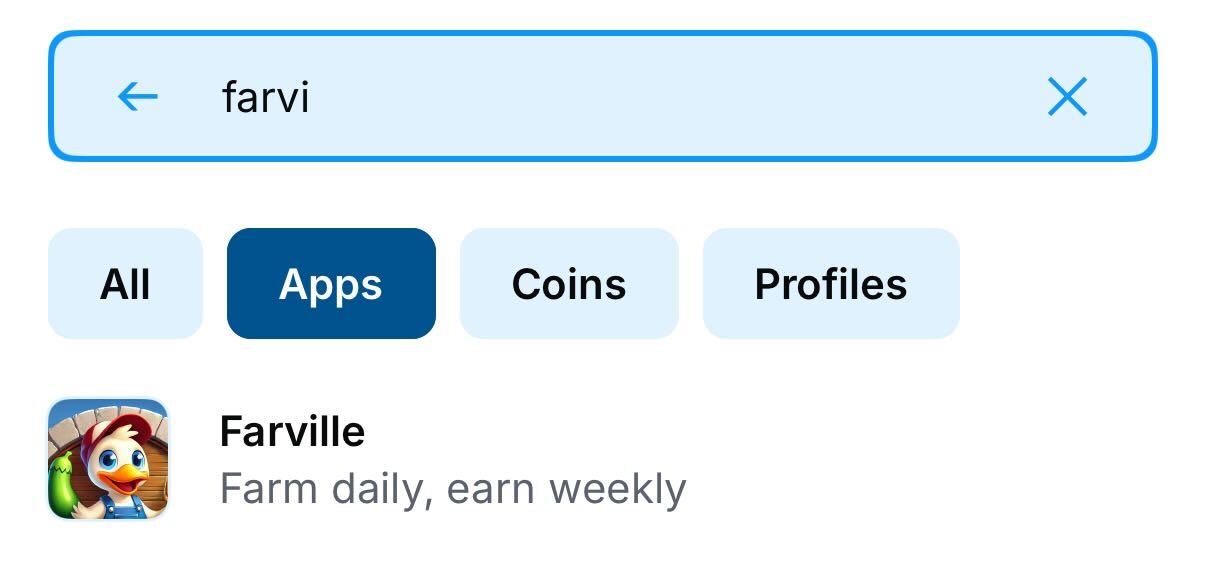 Your Mini App will only appear in search results after it has been indexed. To ensure indexing, share your Mini App at least once in Base App. Indexing typically takes \~10 minutes after the first share.
### Managing Search Indexing
Development Environment: add `"noindex": true` to prevent dev/staging from appearing in search. Remove or set false for production.
**Removing from Search:**
To remove your Mini App from search results, invalidate your manifest (removes from all discovery).
If your Mini App does not show in search please follow the debugging guide [here](/mini-apps/troubleshooting/common-issues#1-app-discovery--indexing-issues)
## Discovery Surfaces
### Trending Today
The "Trending Today" section showcases the most popular Mini Apps being actively used and shared.
Your Mini App will only appear in search results after it has been indexed. To ensure indexing, share your Mini App at least once in Base App. Indexing typically takes \~10 minutes after the first share.
### Managing Search Indexing
Development Environment: add `"noindex": true` to prevent dev/staging from appearing in search. Remove or set false for production.
**Removing from Search:**
To remove your Mini App from search results, invalidate your manifest (removes from all discovery).
If your Mini App does not show in search please follow the debugging guide [here](/mini-apps/troubleshooting/common-issues#1-app-discovery--indexing-issues)
## Discovery Surfaces
### Trending Today
The "Trending Today" section showcases the most popular Mini Apps being actively used and shared.
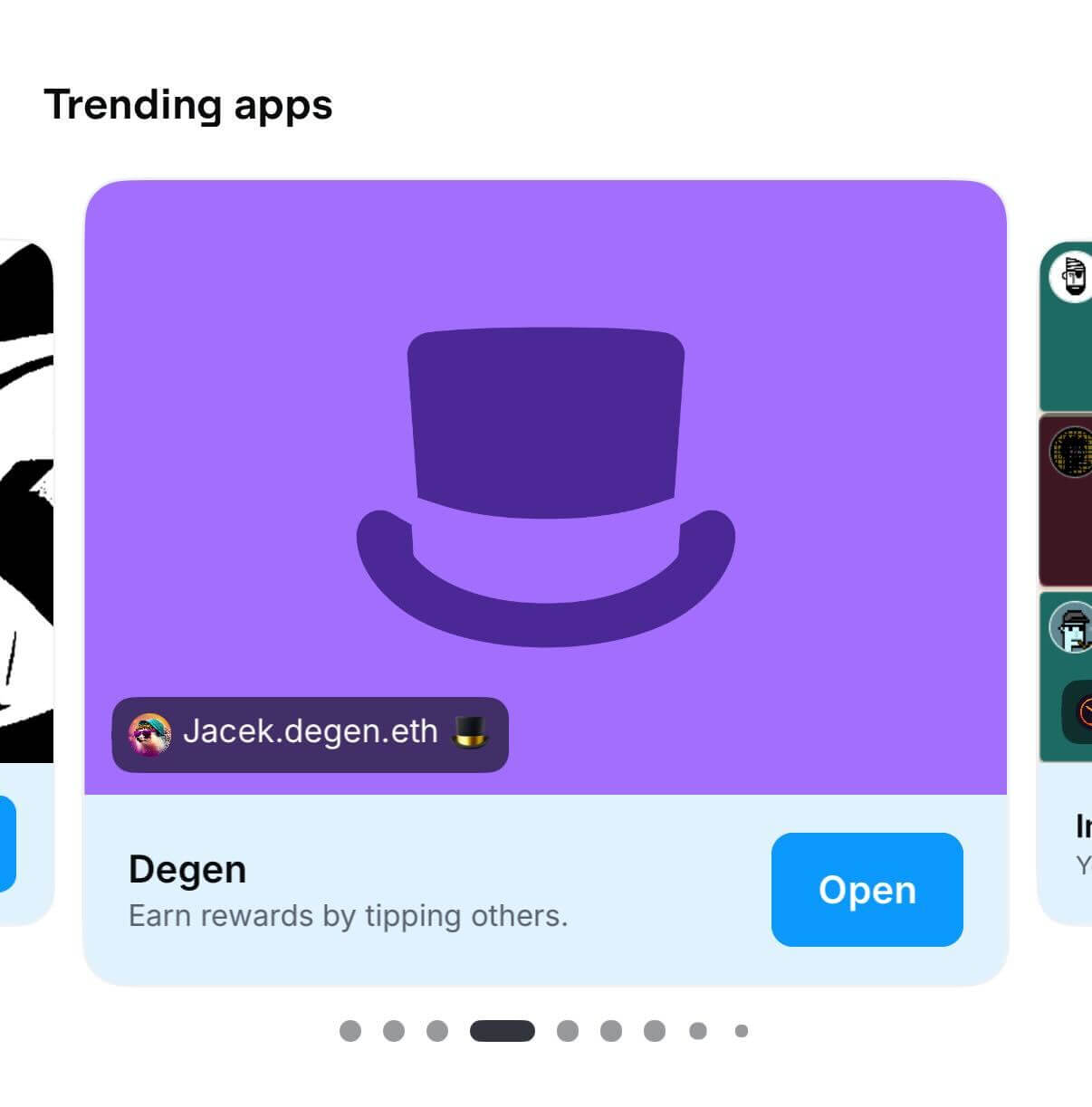 Signals include social sharing frequency and current user engagement metrics.
### Saved Apps
Personal launcher and quick access hub
Signals include social sharing frequency and current user engagement metrics.
### Saved Apps
Personal launcher and quick access hub
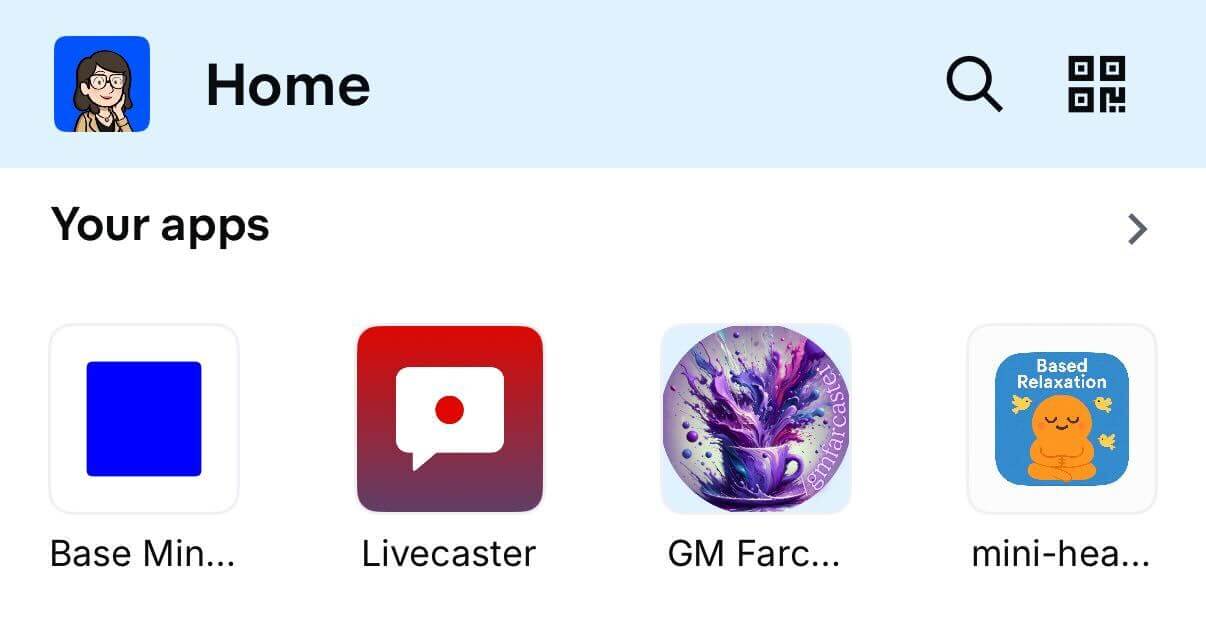 Appears here:
* User's saved Mini Apps
* Recently used applications
Prompt users to save via the Add Frame flow at key value moments.
### App Categories
Browsable directory organized by interest
Appears here:
* User's saved Mini Apps
* Recently used applications
Prompt users to save via the Add Frame flow at key value moments.
### App Categories
Browsable directory organized by interest
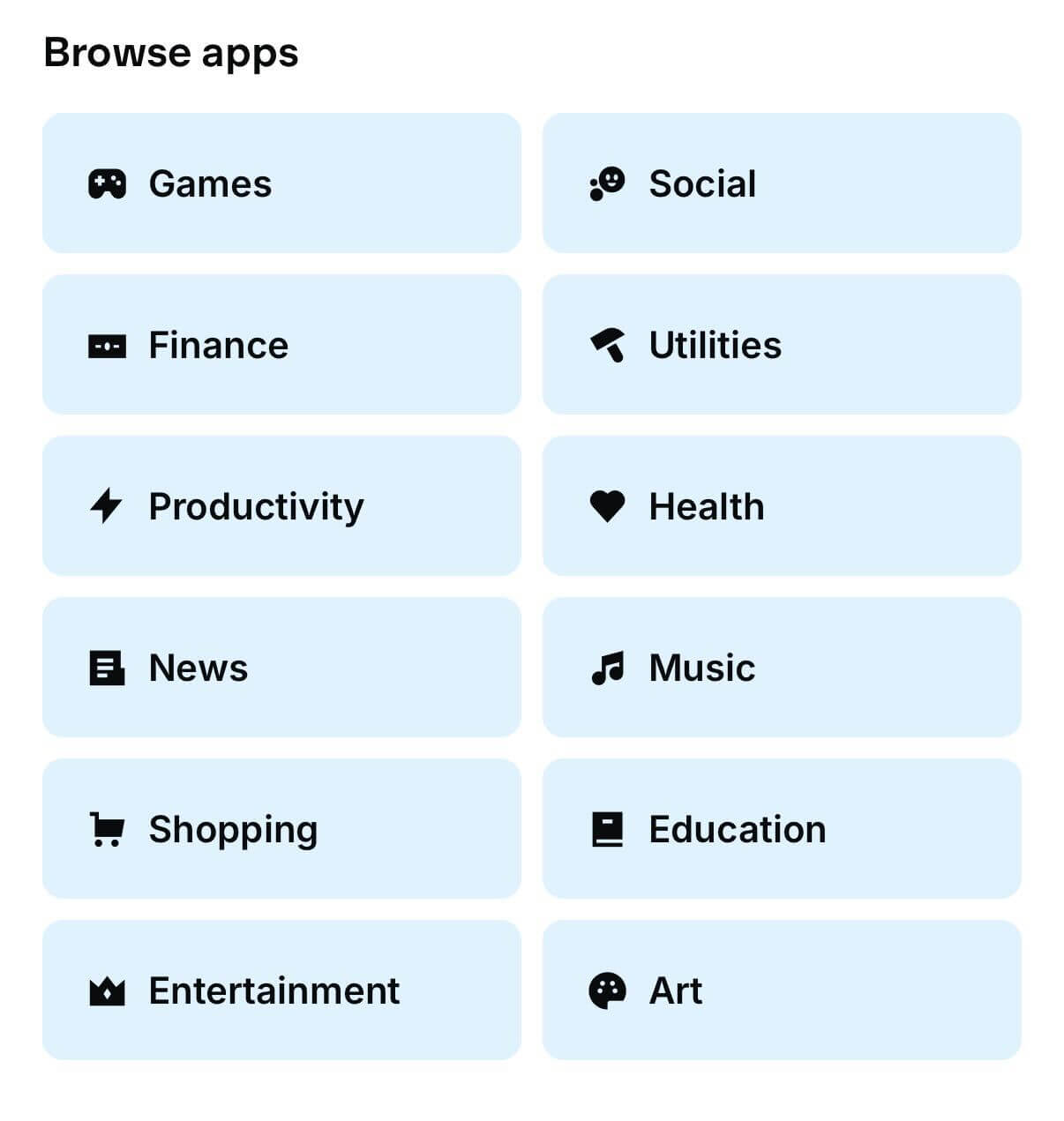 Choose your primaryCategory carefully as it determines where your app appears in Base App's category browsing.
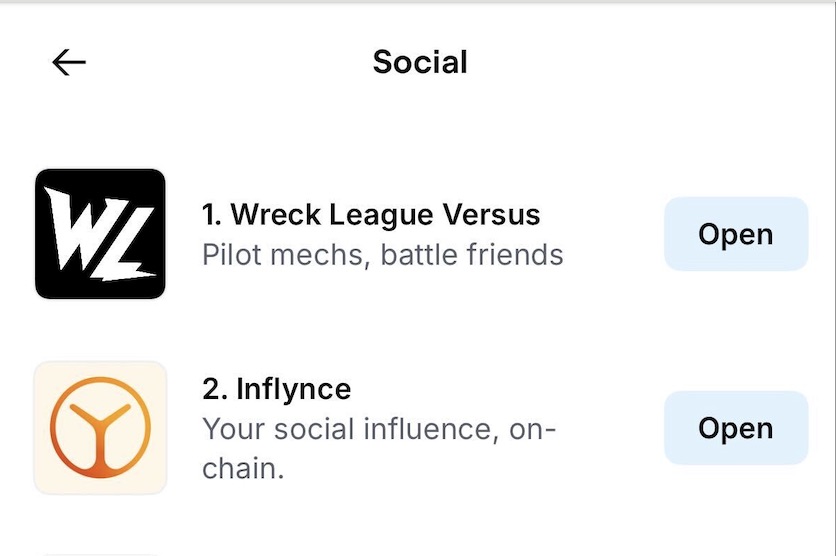 The Base app uses aggregated data (7-day rolling window) to generate dynamic category rankings and identify trending applications.
## Build for Discovery: Checklist
* [ ] Implement proper manifest files with correct categorization
* [ ] Choose relevant categories (primaryCategory)
* [ ] Create shareable moments that naturally encourage shares
* [ ] Design compelling embeds with clear CTAs
* [ ] Encourage saves for easy return access
Further reading:
* [Sharing & Embeds](/mini-apps/features/embeds-and-previews)
* [Manifest](/mini-apps/features/manifest)
The Base app uses aggregated data (7-day rolling window) to generate dynamic category rankings and identify trending applications.
## Build for Discovery: Checklist
* [ ] Implement proper manifest files with correct categorization
* [ ] Choose relevant categories (primaryCategory)
* [ ] Create shareable moments that naturally encourage shares
* [ ] Design compelling embeds with clear CTAs
* [ ] Encourage saves for easy return access
Further reading:
* [Sharing & Embeds](/mini-apps/features/embeds-and-previews)
* [Manifest](/mini-apps/features/manifest)