> ## Documentation Index
> Fetch the complete documentation index at: https://base-a060aa97-eb-mini-app-ia-overhaul.mintlify.site/llms.txt
> Use this file to discover all available pages before exploring further.
# Getting Started
OnchainKit is your go-to SDK for building beautiful onchain applications. Ship in minutes, not weeks.
Anyone can build an onchain app in 15 minutes with OnchainKit. No blockchain experience required.
## Why OnchainKit?
OnchainKit streamlines app development by providing a comprehensive toolkit that combines powerful onchain features with developer-friendly design:
* **Ergonomic design:** Full-stack tools that make complex onchain interactions intuitive
* **Battle-tested patterns:** Industry best practices packaged into ready-to-use solutions
* **Purpose-built components:** Pre-built modules for common onchain workflows
* **Framework agnostic:** Compatible with any React-supporting framework
* **Supercharged by Base:** Deep integration with Base's protocol features and ecosystem
## Automatic Installation
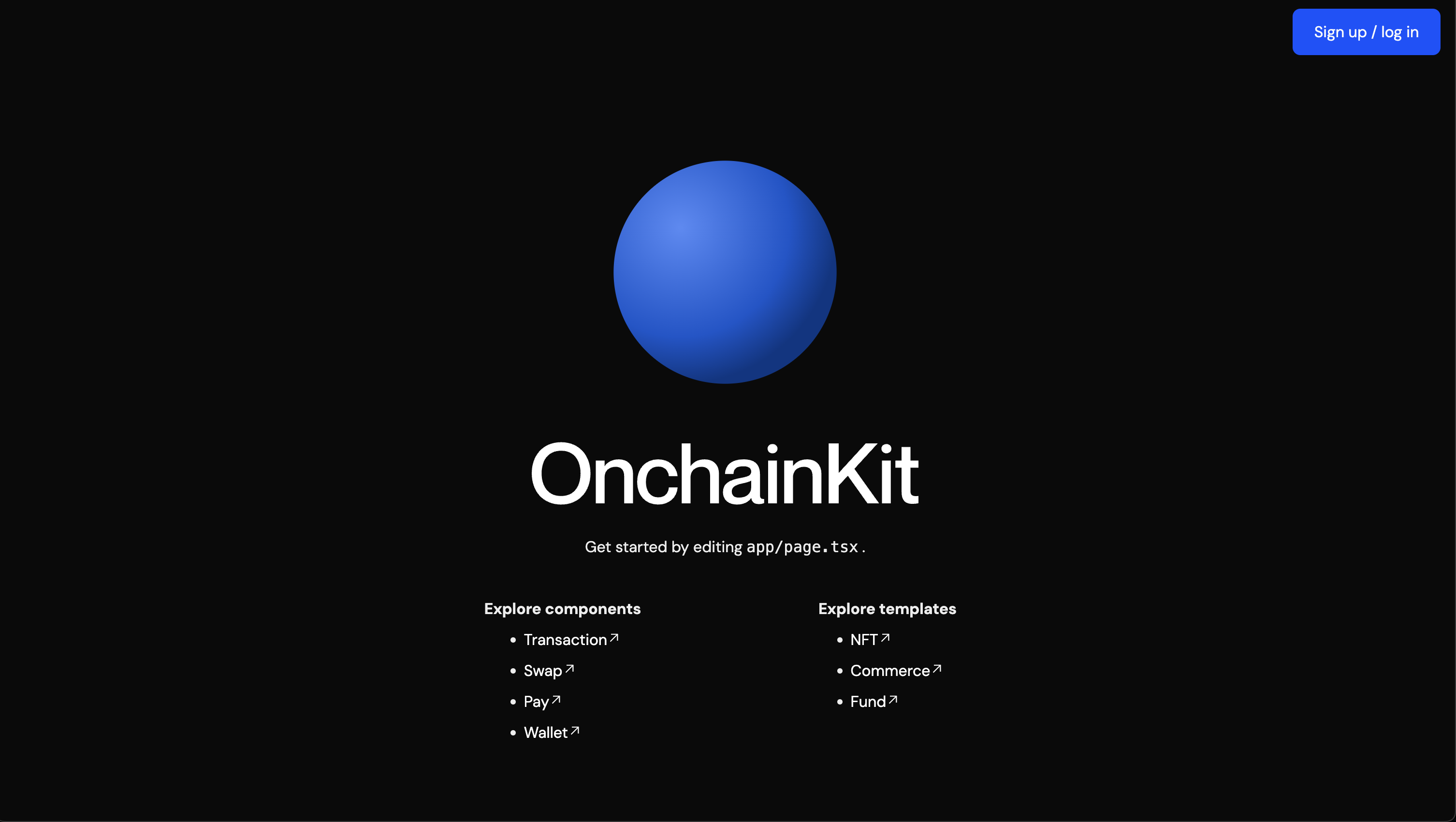 We recommend starting a new OnchainKit app using `create onchain`, which sets up everything automatically for you. To create a project, run:
```bash Terminal
npm create onchain@latest
```
After the prompts, `create onchain` will create a folder with your project name and install the required dependencies.
You can also checkout our pre-built templates:
* [Onchain Commerce](https://onchain-commerce-template.vercel.app/)
* [NFT minting](https://ock-mint.vercel.app/)
* [Funding flow](https://github.com/fakepixels/fund-component)
* [Social profile](https://github.com/fakepixels/ock-identity)
These docs are LLM-friendly—reference [OnchainKit AI Prompting Guide](/onchainkit/guides/ai-prompting-guide) in your code editor to streamline builds and prompt smarter.
## Manual Installation
Add OnchainKit to your existing project manually.
}
/>
}
/>
}
/>
}
/>
## Testing Your OnchainKit App
Build reliable applications with comprehensive end-to-end testing using [OnchainTestKit](/onchainkit/guides/testing-with-onchaintestkit). Test wallet connections, transactions, and complex user flows with automated browser testing.
## Start building!
Explore our ready-to-use onchain components:
* [**`Identity`**](/onchainkit/identity/identity) – Show [Basenames](/onchainkit/identity/identity), [avatars](/onchainkit/identity/avatar), [badges](/onchainkit/identity/badge), and [addresses](/onchainkit/identity/address).
* [**`Wallet`**](/onchainkit/wallet/wallet) – Create or connect wallets with [Connect Wallet](/onchainkit/wallet/wallet).
* [**`Transaction`**](/onchainkit/transaction/transaction) – Handle [transactions](/onchainkit/transaction/transaction) using EOAs or Smart Wallets.
* [**`Checkout`**](/onchainkit/checkout/checkout) – Integrate USDC [checkout](/onchainkit/checkout/checkout) flows with ease.
* [**`Fund`**](/onchainkit/fund/fund-button) – Create a [funding](/onchainkit/fund/fund-button) flow to onboard users.
* [**`Tokens`**](/onchainkit/token/token-chip) – Search and display [tokens](/onchainkit/token/token-chip) with various components.
* [**`Swap`**](/onchainkit/swap/swap) – Enable [token swaps](/onchainkit/swap/swap) in your app.
* [**`Mint`**](/onchainkit/mint/nft-mint-card) – [View](/onchainkit/mint/nft-mint-card) and [Mint](/onchainkit/mint/nft-mint-card) NFTs in your app.
We recommend starting a new OnchainKit app using `create onchain`, which sets up everything automatically for you. To create a project, run:
```bash Terminal
npm create onchain@latest
```
After the prompts, `create onchain` will create a folder with your project name and install the required dependencies.
You can also checkout our pre-built templates:
* [Onchain Commerce](https://onchain-commerce-template.vercel.app/)
* [NFT minting](https://ock-mint.vercel.app/)
* [Funding flow](https://github.com/fakepixels/fund-component)
* [Social profile](https://github.com/fakepixels/ock-identity)
These docs are LLM-friendly—reference [OnchainKit AI Prompting Guide](/onchainkit/guides/ai-prompting-guide) in your code editor to streamline builds and prompt smarter.
## Manual Installation
Add OnchainKit to your existing project manually.
}
/>
}
/>
}
/>
}
/>
## Testing Your OnchainKit App
Build reliable applications with comprehensive end-to-end testing using [OnchainTestKit](/onchainkit/guides/testing-with-onchaintestkit). Test wallet connections, transactions, and complex user flows with automated browser testing.
## Start building!
Explore our ready-to-use onchain components:
* [**`Identity`**](/onchainkit/identity/identity) – Show [Basenames](/onchainkit/identity/identity), [avatars](/onchainkit/identity/avatar), [badges](/onchainkit/identity/badge), and [addresses](/onchainkit/identity/address).
* [**`Wallet`**](/onchainkit/wallet/wallet) – Create or connect wallets with [Connect Wallet](/onchainkit/wallet/wallet).
* [**`Transaction`**](/onchainkit/transaction/transaction) – Handle [transactions](/onchainkit/transaction/transaction) using EOAs or Smart Wallets.
* [**`Checkout`**](/onchainkit/checkout/checkout) – Integrate USDC [checkout](/onchainkit/checkout/checkout) flows with ease.
* [**`Fund`**](/onchainkit/fund/fund-button) – Create a [funding](/onchainkit/fund/fund-button) flow to onboard users.
* [**`Tokens`**](/onchainkit/token/token-chip) – Search and display [tokens](/onchainkit/token/token-chip) with various components.
* [**`Swap`**](/onchainkit/swap/swap) – Enable [token swaps](/onchainkit/swap/swap) in your app.
* [**`Mint`**](/onchainkit/mint/nft-mint-card) – [View](/onchainkit/mint/nft-mint-card) and [Mint](/onchainkit/mint/nft-mint-card) NFTs in your app.