

What you’ll learn
By the end of this guide, you’ll be able to:
- Get your Mini App indexed in Base App search and understand how indexing works.
- Choose the right categories and implement strategies to rank higher in “Trending Today.”
- Apply best practices to increase discoverability across Base App surfaces.
Search
How Search Works
Users discover Mini Apps through direct search queries in Base App.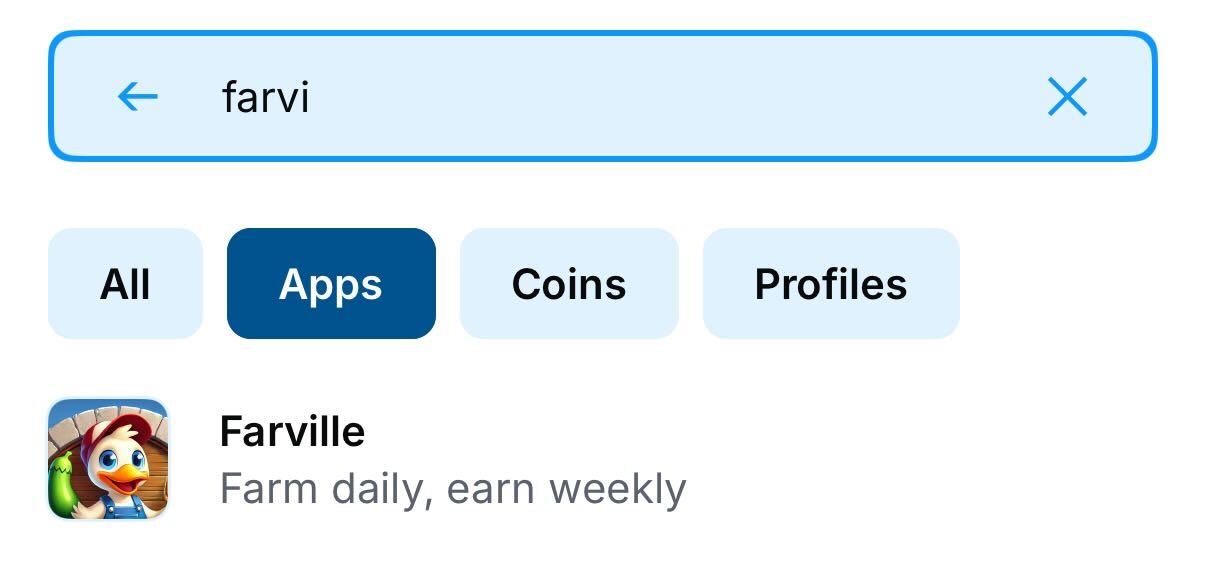
Here in The Base App you can see searching based on partial titles
Managing Search Indexing
Development Environment: add"noindex": true to prevent dev/staging from appearing in search. Remove or set false for production.
Removing from Search:
To remove your Mini App from search results, invalidate your manifest (removes from all discovery).
Discovery Surfaces
Trending Today
The “Trending Today” section showcases the most popular Mini Apps being actively used and shared.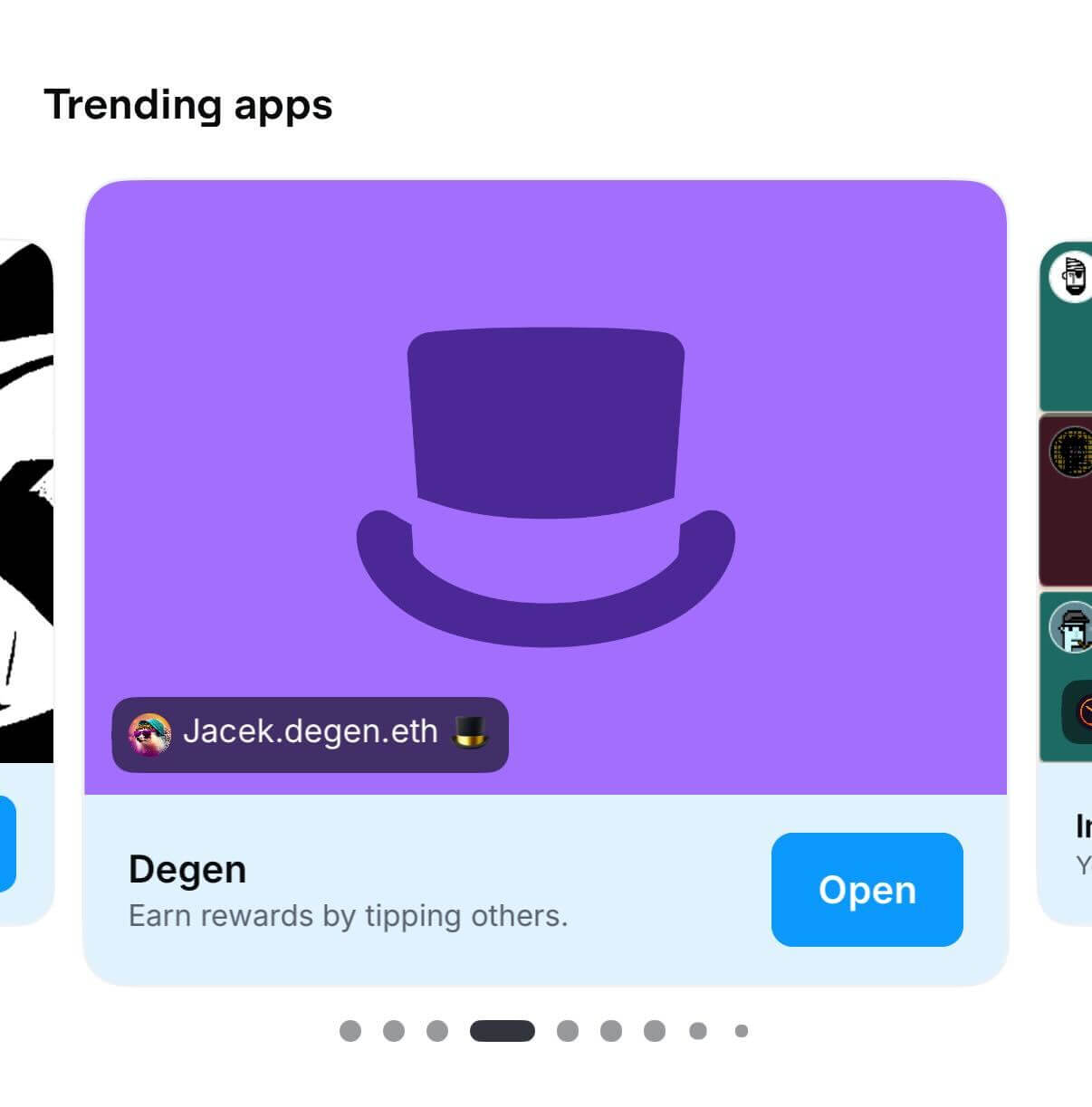
Trending Today
Saved Apps
Personal launcher and quick access hub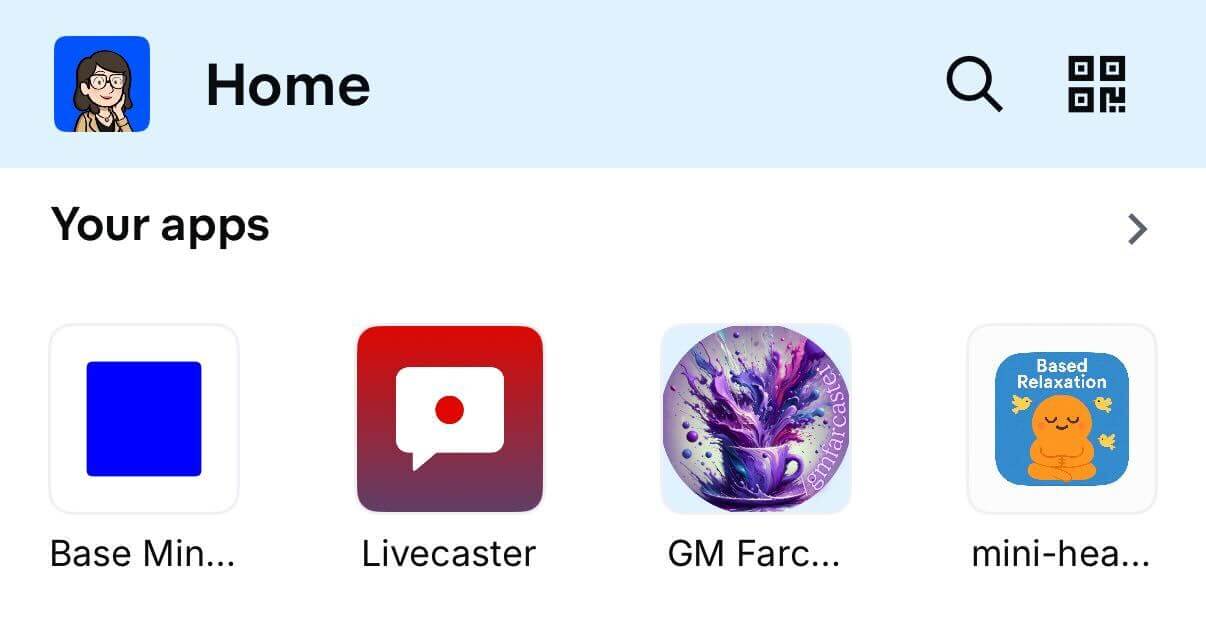
Saved Apps
- User’s saved Mini Apps
- Recently used applications
App Categories
Browsable directory organized by interest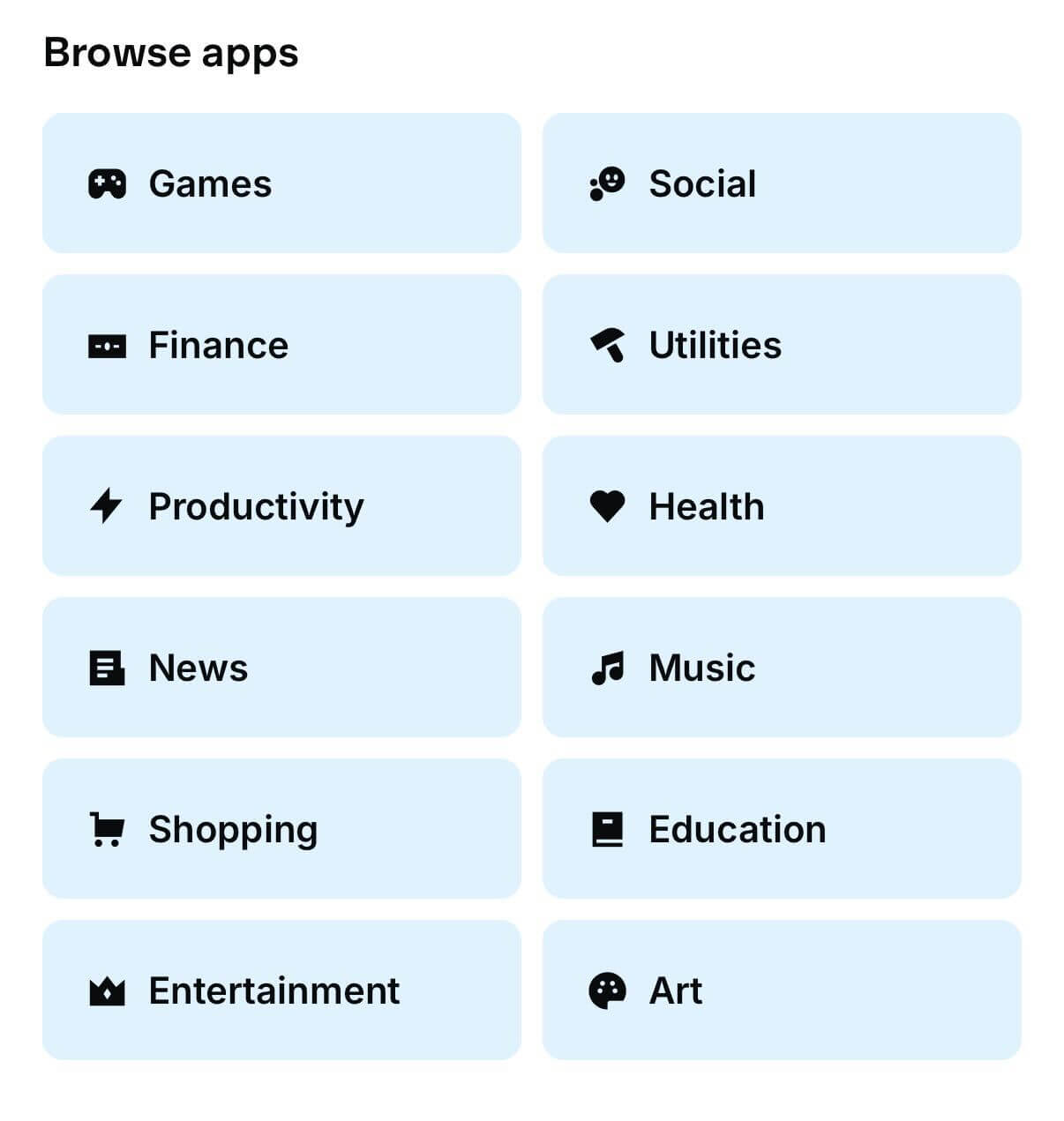
App Categories
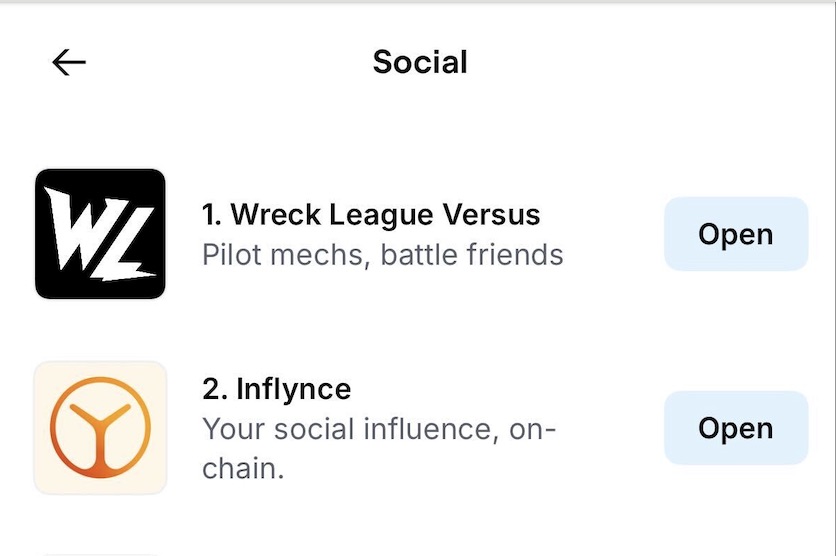
Ranking for the Social Category
Build for Discovery: Checklist
- Implement proper manifest files with correct categorization
- Choose relevant categories (primaryCategory)
- Create shareable moments that naturally encourage shares
- Design compelling embeds with clear CTAs
- Encourage saves for easy return access