

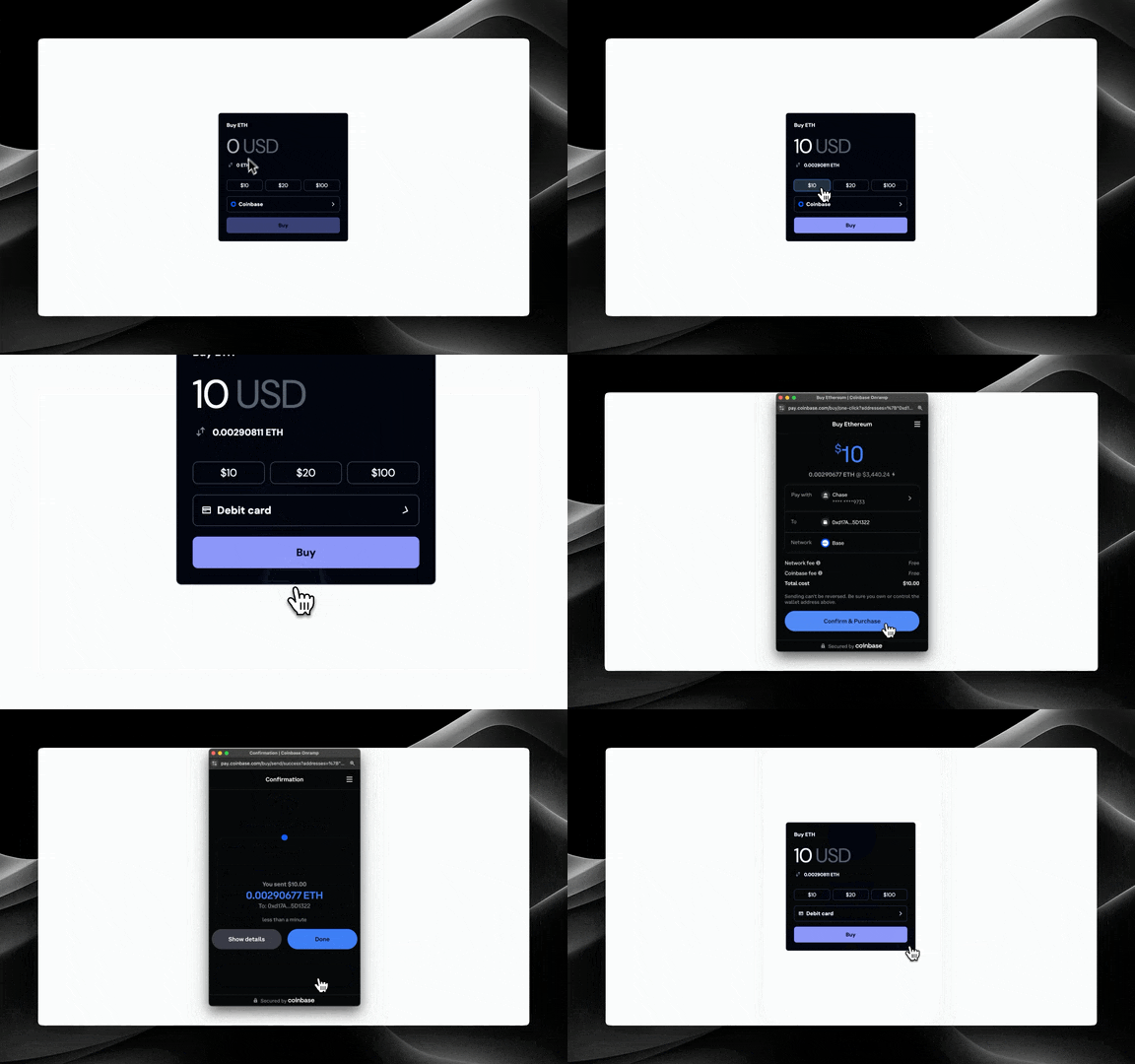
<FundCard /> component provides a complete fiat onramp experience within your app. It includes:
- Amount input with fiat/crypto switching
- Payment method selection (Coinbase, Apple Pay, Debit Card)
- Automatic exchange rate updates
- Smart handling of payment method restrictions (based on country and subdivision)
The Apple Pay and Debit Card onramp options are only available for Coinbase supported assets.
Prerequisites
Before using theFundCard component, ensure you’ve completed the Getting Started steps.
This component requires a
projectId to be set in the OnchainKitProvider. You can find your projectId on Coinbase Developer Platform.Usage
Drop in the <FundCard /> component
Customization
Custom Header and Button Text
You can customize the header and button text:Custom Currency
You can specify which fiat currency to use:Preset Amount Inputs
You can specify preset amount buttons:Note: 3 preset amount inputs are required in order to show the preset amount buttons.
Custom Content
You can provide custom children to completely customize the card content while keeping the fund button functionality:Note: If you are using the custom components then you are going to need to access the state of the
FundCard component. You can do this by using the useFundContext hook.